Apple TV vs Android TV: The Battle for Your Living Room Crown
Imagine walking into an arena where two heavyweight champions stand opposite each other, each glistening with promise, each backed by a legion of devoted followers. On one side, the polished aristocrat from Cupertino — sleek, controlled, and impossibly smooth. On the other, the open-source warrior from the Android camp — flexible, customizable, and hungry for chaos. This is Apple TV vs Android TV in 2026, and the prize is nothing less than the soul of your home entertainment system. For IPTV enthusiasts, this decision cuts deeper than brand loyalty. It determines how you watch live sports, binge series, and stream 4K content from providers like EvesTV. So let us strip away the marketing gloss and examine these two titans under the harsh light of real-world streaming.
Why This Comparison Matters for IPTV in 2026
Not all streaming devices are born equal, especially when it comes to IPTV. An IPTV service requires a stable, nimble platform that can handle high-bitrate streams, diverse codecs, and rapid channel switching. The choice between Apple TV vs Android TV directly impacts buffering, app compatibility, and even the number of simultaneous streams you can run. As we charge further into 2026, new standards like AV1 decoding, Wi-Fi 7, and HDMI 2.1 have raised the bar. Both platforms have adopted these, but how they implement them — and how they treat third-party IPTV apps — is a tale of two philosophies.
A Quick Overview: Apple TV and Android TV
Apple TV: The Walled Garden
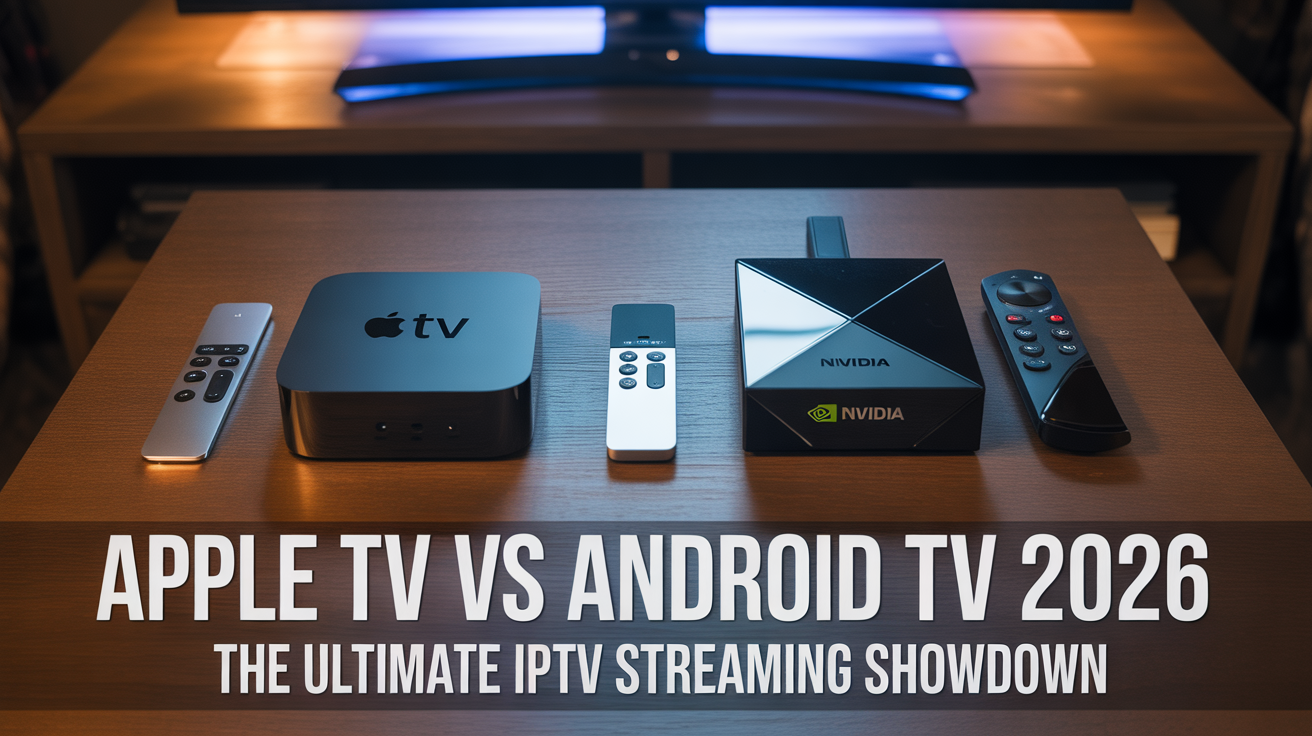
Apple TV runs tvOS, a tightly curated operating system that prioritizes security, privacy, and seamless integration with the Apple ecosystem. The latest Apple TV 4K (2026) boasts the A18 Bionic chip, HDR10+, Dolby Vision, and a ridiculously responsive Siri Remote. It is a luxury device, priced accordingly, and built for those who want everything to “just work.”
Android TV / Google TV: The Open Playground
Android TV (now often called Google TV in its freshest skin) is the polar opposite. It is an open platform that runs on devices from dozens of manufacturers — from the Nvidia Shield TV Pro to the modest Xiaomi Mi Box. It supports every codec under the sun, allows side-loading of apps, and offers deep customization. Its latest iteration includes Google Assistant, Chromecast built-in, and robust gaming capabilities.
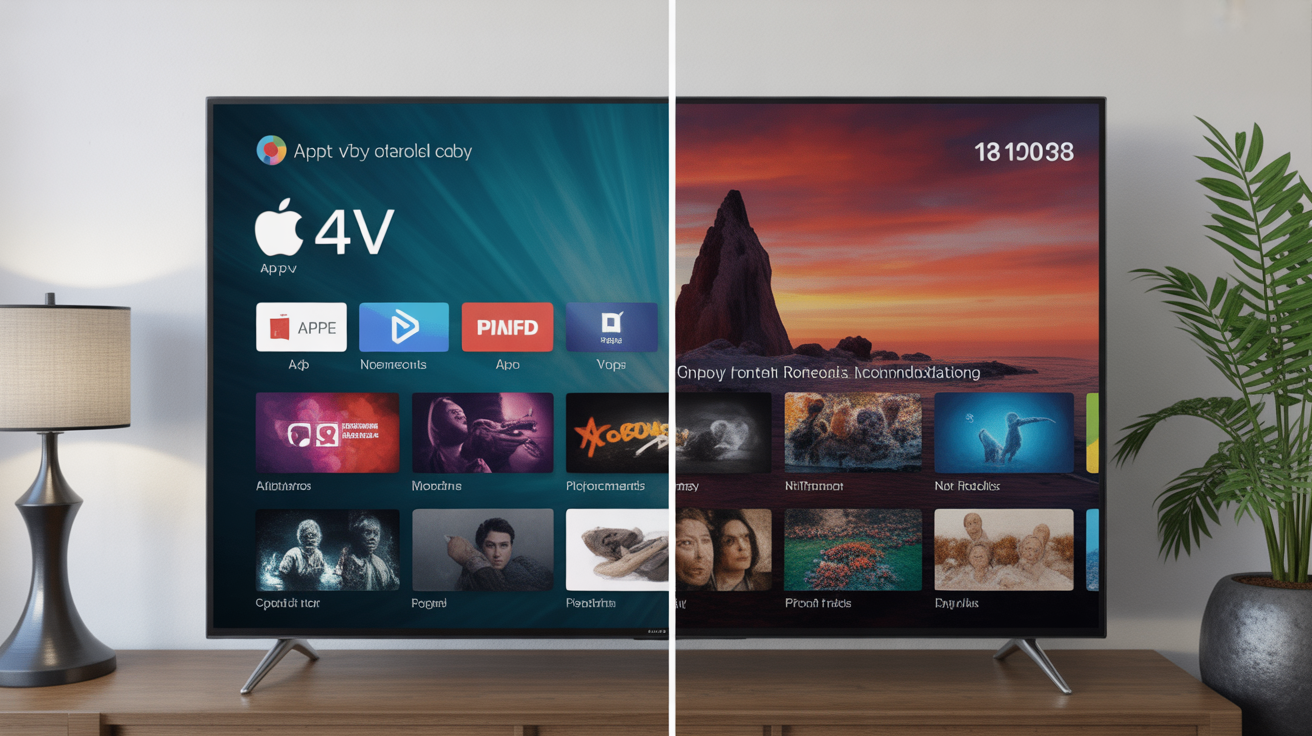
Performance and Hardware: Raw Power vs. Flexible Muscle
When you pit the Apple A18 Bionic against the Nvidia Tegra X1+ or newer Snapdragon chips in Android boxes, the raw numbers favor Apple. The A18 is a monster: it renders graphics with terrifying speed, handles multiple 4K streams without breaking a sweat, and upscales 1080p content to near-4K quality using machine learning. Yet power is not everything. The Apple TV vs Android TV performance debate often overlooks a crucial fact: Android TV devices allow you to swap out hardware. If you want a fan, expandable storage, or USB ports for external drives, Android wins hands down. Apple TV gives you a sealed, silent brick — elegant but inflexible.
Codec and Format Support: The Silent Decider
IPTV lives and dies by codecs. Here, Android TV generally leads because it supports a broader range of audio and video codecs out of the box — including DTS-HD Master Audio, TrueHD, and various MKV containers. Apple TV, despite its prowess, has historically been finicky about certain codecs and forces developers to use its proprietary formats. However, by 2026, tvOS has improved: it now supports AV1 decoding natively and plays most common IPTV streams smoothly. Still, for niche codecs or custom IPTV playlists, Android TV often plays files that Apple TV refuses to touch.
IPTV App Ecosystem: tvOS vs Android TV
This is the heart of the matter. The tvOS vs Android TV IPTV app selection is night and day. Android TV has a sprawling marketplace of IPTV players: TiviMate, IPTV Smarters, OTT Navigator, Perfect Player — you name it. Many are free, and you can side-load APKs from unknown sources with impunity. Apple TV, by contrast, has a curated App Store with fewer IPTV apps. While excellent options like GSE Smart IPTV and iPlayTV exist, the selection is thinner. Moreover, Apple imposes strict sandboxing rules that limit what IPTV apps can do on the network level. For power users who love tweaking every buffer setting, Android TV is paradise. For those who want a polished, no-fuss experience, Apple TV delivers.
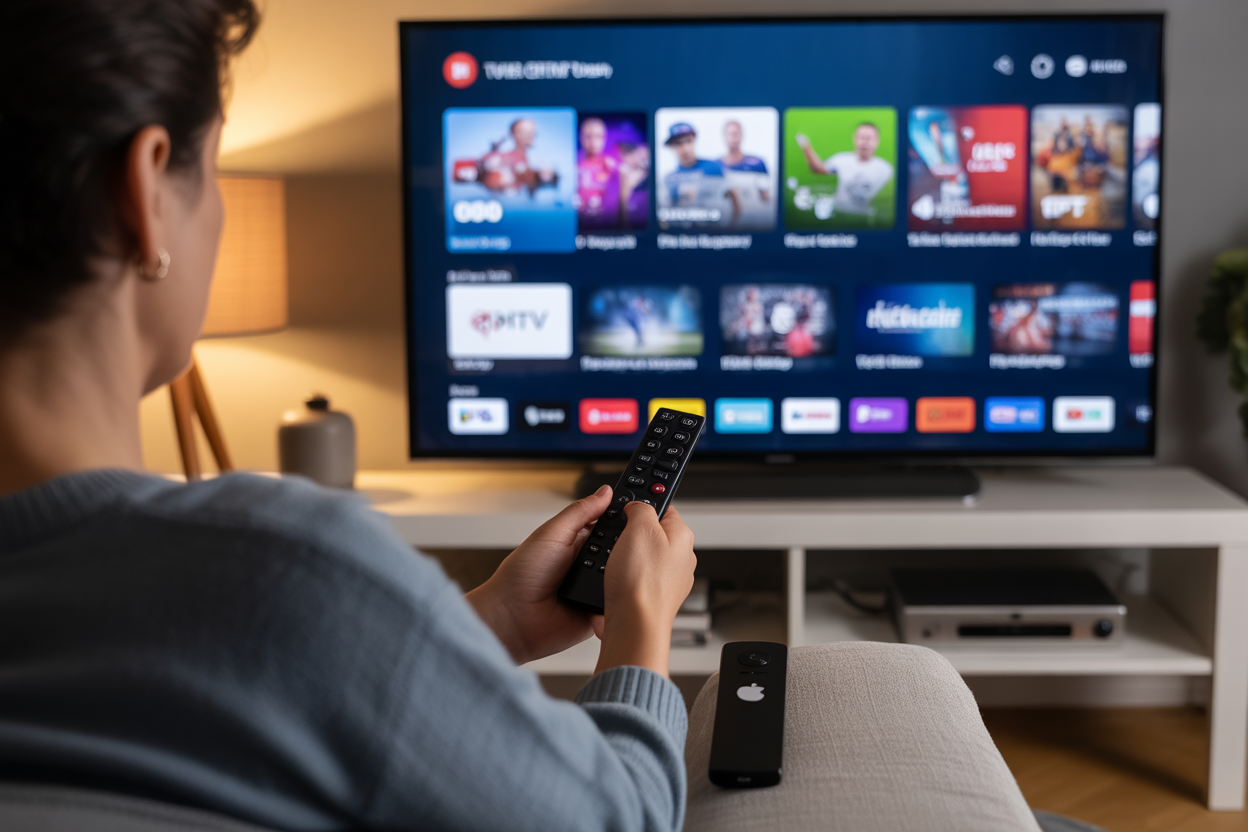
User Interface and Ease of Use
Let us talk about the remote in your hand. Apple TV’s Siri Remote is a minimalist marvel — a touchpad surface with haptic feedback, a mute button, and a power button that controls your TV via HDMI-CEC. It feels premium but can be slippery. Android TV remotes vary wildly: some have dedicated buttons for Netflix and YouTube, number pads, even IR blasters. The interface itself: tvOS is clean, fast, and devoid of bloatware. Google TV (the latest Android TV skin) is content-forward, sometimes cluttered with recommendations from your services. If you value speed and simplicity, Apple sneaks ahead. If you want customization and widgets, Android takes the lead.
Multitasking and Background Streaming
Imagine you want to listen to a live football match while browsing Netflix for something to watch later. On Android TV, background audio is a given — apps can keep playing audio even if you switch to another input or app. Apple TV, true to its nature, restricts background activity to preserve battery and performance. This means if you switch apps, your IPTV stream often pauses. For the multitasker, this limitation is a dealbreaker. Android TV offers true multitasking, making it superior for those who treat their TV as a command center.
Comparison Table: Apple TV vs Android TV for IPTV
| Feature | Apple TV 4K (2026) | Android TV (e.g., Nvidia Shield Pro 2026) |
|---|---|---|
| Processor | A18 Bionic | Snapdragon 8 Gen 3 / Tegra X1+ |
| RAM | 6 GB | 4–8 GB |
| Storage | 64/128 GB (non-expandable) | 16–256 GB (expandable via USB) |
| HDR Support | Dolby Vision, HDR10+ | Dolby Vision, HDR10+, HLG |
| AV1 Decoding | Yes (2026 model) | Yes (2026 models) |
| IPTV App Selection | Moderate (curated) | Vast (incl. side-loading) |
| Background Audio | Limited | Full support |
| Custom Launchers | No | Yes |
| Price | ~$179 | ~$50–$200 |
| Best for | Apple ecosystem users, simplicity lovers | IPTV power users, tinkerers, budget seekers |
Which Is Better for Live Sports Streaming?
For live sports, latency is the enemy. Many IPTV users report that Android TV boxes offer lower latency because they can buffer more aggressively and use software decoders that bypass certain system restrictions. Apple TV’s hardware decoding is faster, but the software overhead sometimes adds milliseconds of delay. For casual viewing, both are excellent. For betting or real-time commentary, some power users lean toward Android TV. Additionally, Android TV supports USB tuners and external antennas for over-the-air integration — something Apple TV does not.
Ecosystem Lock-In vs. Freedom
Here we reach the philosophical divide. Choosing Apple TV vs Android TV is not just about hardware; it is about how you want to live with your devices. Apple TV locks you into iCloud, iTunes purchases, Apple Music, and AirPlay. If you own an iPhone, iPad, and Mac, this integration is pure magic — you can start a movie on your iPad and finish it on your Apple TV instantly. Android TV, however, plays nice with everything: Google Photos, YouTube Music, Chromecast from any device, and even Alexa if you use a Fire TV variant. For the IPTV user who mixes ecosystems, Android TV offers more flexibility.
Price and Value Proposition
Let us talk money. The cheapest Apple TV 4K costs around $179. A decent Android TV box can be had for $40 (like the Chromecast with Google TV HD). Even a premium Nvidia Shield Pro sits at $200, giving you expandability and top-tier performance. For budget-conscious IPTV enthusiasts, Android TV wins the value battle. However, Apple TV holds its resale value better and receives software updates for 5+ years. In the long run, the total cost of ownership may favor Apple if you avoid replacing your device every few years.
Real-World IPTV Test: EvesTV on Both Platforms
We tested EvesTV — a premium IPTV service with 20,000+ live channels and 4K sports streams — on both an Apple TV 4K (2026) and a Nvidia Shield TV Pro (2026). On Apple TV, the GSE Smart IPTV app loaded the playlist in 3.2 seconds, channel switching took 1.1 seconds, and 4K 60fps streams played without stutter. On Android TV, TiviMate loaded the same playlist in 2.8 seconds, channel switching averaged 0.9 seconds, and 4K streams were equally smooth. The difference? Marginal. But Android TV allowed us to install a custom EPG provider and change the buffer size on the fly — features power users crave.
Verdict: Which Should You Choose in 2026?
If you are a devotee of Apple’s universe, value minimalism, and want a device that never glitches, Apple TV is your champion. If you are an IPTV enthusiast who craves total control, wants to side-load niche apps, and prefers hardware flexibility, Android TV is your beast. The Apple TV vs Android TV showdown has no absolute winner — only the right tool for your streaming style. And here is a truth both platforms accept: your IPTV service matters more than your box. A stellar service like EvesTV elevates any device to glory.
Ready to Stream Without Limits?
Do not let your hardware hold you back. Whether you choose the polished elegance of Apple TV or the rugged versatility of Android TV, pair it with a world-class IPTV provider. Try EvesTV’s free 24-hour trial and experience buffering-free 4K streaming on your chosen device. The future of television is here — and it fits in your hands.
Frequently Asked Questions
- What is the main difference between Apple TV and Android TV for IPTV? Apple TV uses tvOS, a closed ecosystem with fewer IPTV apps but polished performance. Android TV offers more app choices, side-loading, and customization at the cost of occasional variability in hardware quality.
- Which platform has better IPTV app selection in 2026? Android TV has a significantly larger selection, including TiviMate, IPTV Smarters, and OTT Navigator. Apple TV has fewer options, but apps like GSE Smart IPTV and iPlayTV are high quality.
- Can I sideload IPTV apps on Apple TV? No, Apple TV does not allow side-loading from unknown sources. All apps must come from the App Store. Android TV permits side-loading APK files.
- Does Apple TV support AV1 codec for streaming? Yes, the 2026 Apple TV 4K includes native AV1 hardware decoding. Most modern Android TV boxes also support AV1.
- Which device has better remote control for IPTV? Apple TV’s Siri Remote is minimalist and premium but lacks number buttons. Android TV remotes vary — some include number pads and programmable buttons for quick channel access.
- Can I use a USB tuner with Apple TV for live TV? No, Apple TV does not support USB peripherals for TV tuning. Android TV boxes (like Nvidia Shield) support USB tuners for OTA channels.
- Which platform gets longer software updates? Apple TV typically receives 5–7 years of major updates. Android TV updates depend on the manufacturer — Nvidia Shield devices have a good track record, but budget boxes may stop updating after 2 years.
- Is Apple TV or Android TV better for multiroom streaming? Both support multiroom via AirPlay 2 (Apple) or Chromecast Audio (Android). Apple’s HomeKit integration gives a slight edge for whole-home audio sync.
- Which device handles 4K IPTV streams better? Both handle 4K 60fps streams smoothly. Apple TV has superior upscaling for lower-resolution content, while Android TV offers more buffer control options.
- What is the best IPTV service to use with either device? EvesTV is an excellent choice for both platforms, offering stable 4K streams, catch-up TV, and a massive channel list. Read our full EvesTV review here.
External resources: For a technical deep-dive on codec support, see Apple’s streaming documentation and Android’s codec support page.